¶ Create an account
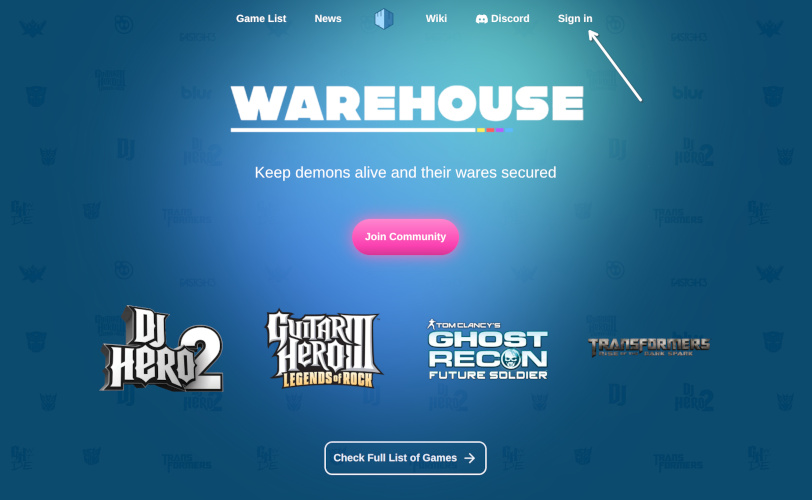
To create an account navigate to https://warehouse.games click Sign in to login or create account, if you already have one.
¶ Create Tom Clancy's Ghost Recon Future Soldier in-game account
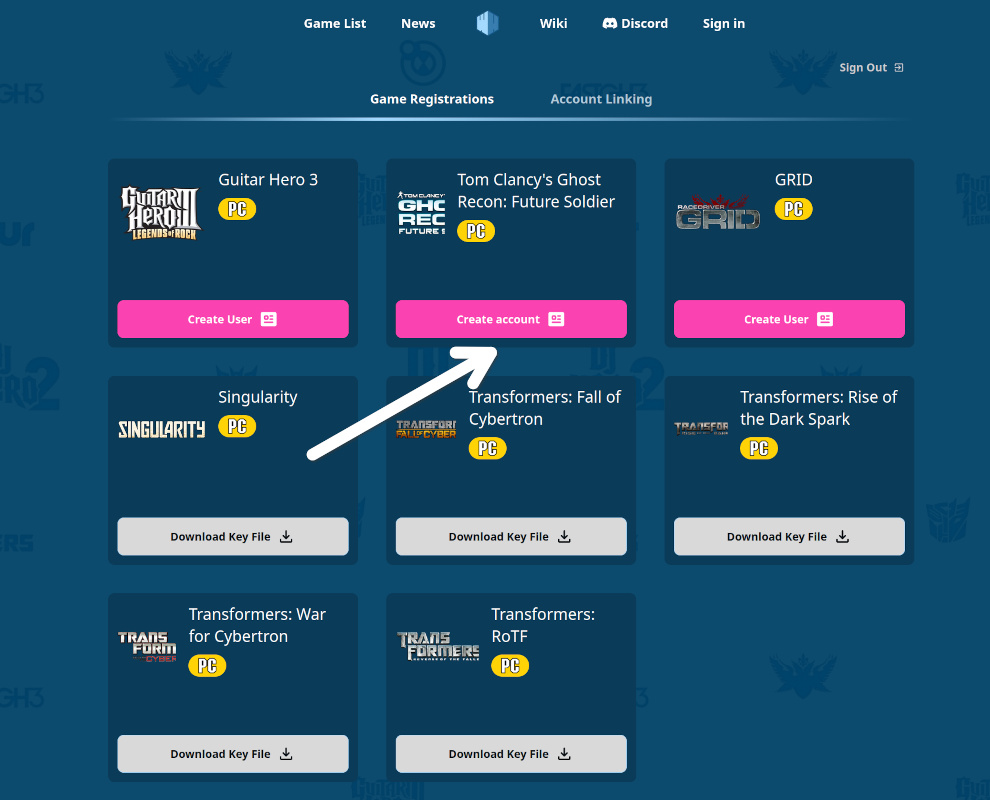
After logging in, open your profile.
You will see an option to create an in-game account for Tom Clancy's Ghost Recon Future Soldier.
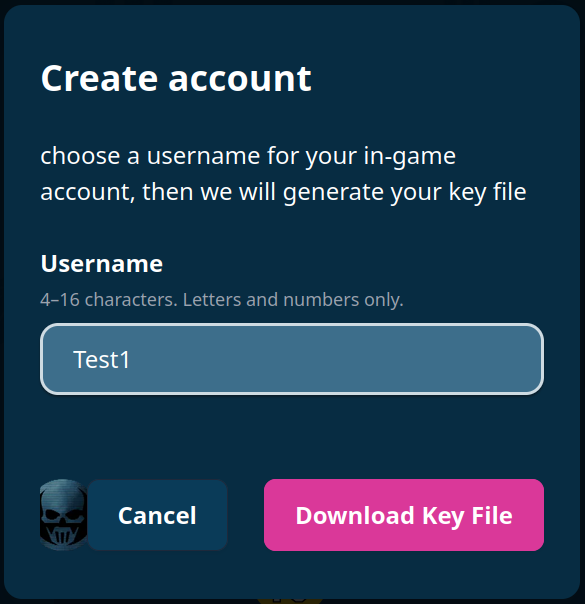
A window will appear where you can choose your username.
As of now name can't be changed, so, be careful with it!
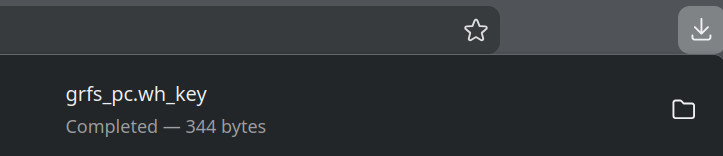
Click “Download Key File”.
- This will create your in-game account
- A file named
grfs_pc.wh_keywill be downloaded
⚠️ Important: This file is unique. Do not share it with anyone.
¶ Placing key into the game folder
Move the downloaded grfs_pc.wh_key file into your game directory.
It should be in the same folder as Future Soldier.exe
¶ Installing client files
To ease the installation and keeping the client Installing client files
¶ Option 1: WH Launcher
A lightweight automatic updater for client files. (Currently in beta)
Download:
https://wh-launcher.fra1.cdn.digitaloceanspaces.com/launcher/windows/x86_64/latest/wh-launcher_1.0.0_x64-setup.exe
Instructions:
1. Download and install the launcher.
2. Open the launcher.
3. Click “Find” to locate your game directory.
4. Click “Install” to download and apply the client files.
¶ Option 2: Manual installation
Download the required files from:
https://wh-launcher.fra1.cdn.digitaloceanspaces.com/titles/tom_clancys_ghost_recon_future_soldier/updates/latest/client_files.zip
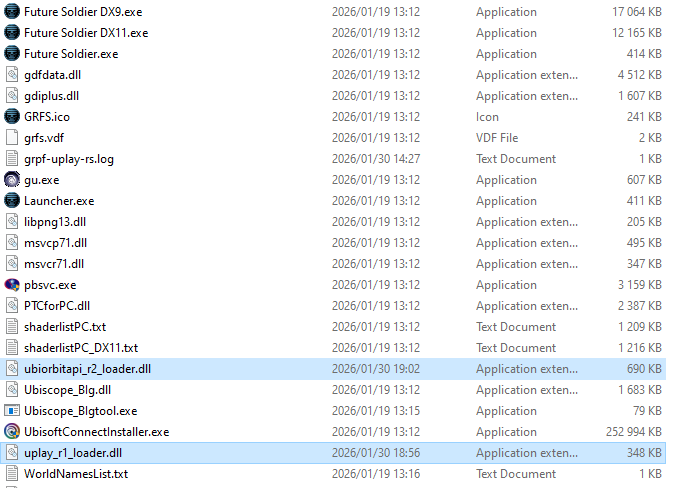
Extract the archive. Inside, you will find:
uplayr1loader.dllubiorbitapir2loader.dll
Copy these files into your game folder, replacing the existing files.
¶ Launch game
Launch game.
If everything is set up correctly, you will see news displayed on the right side of the screen in the main menu.