Tom Clancy's Ghost Recon Future Soldier (PC)
Create an account
To create an account navigate to https://warehouse.games click Sign in to login or create account, if you already have one.
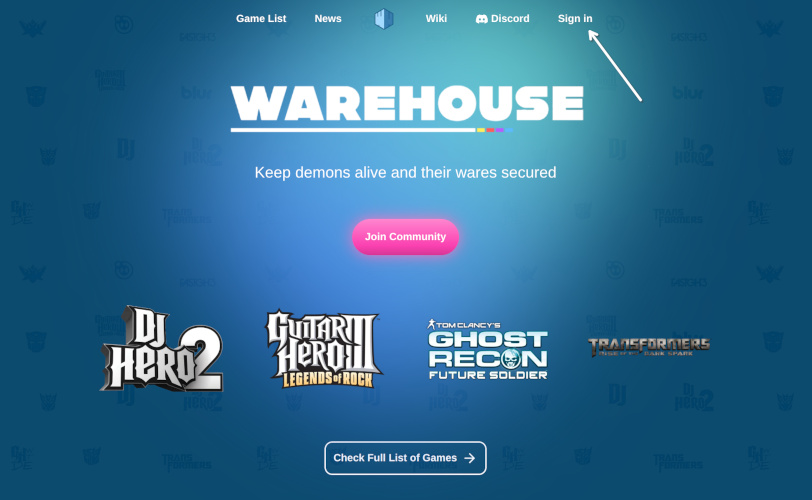
Create Tom Clancy's Ghost Recon Future Soldier in-game account
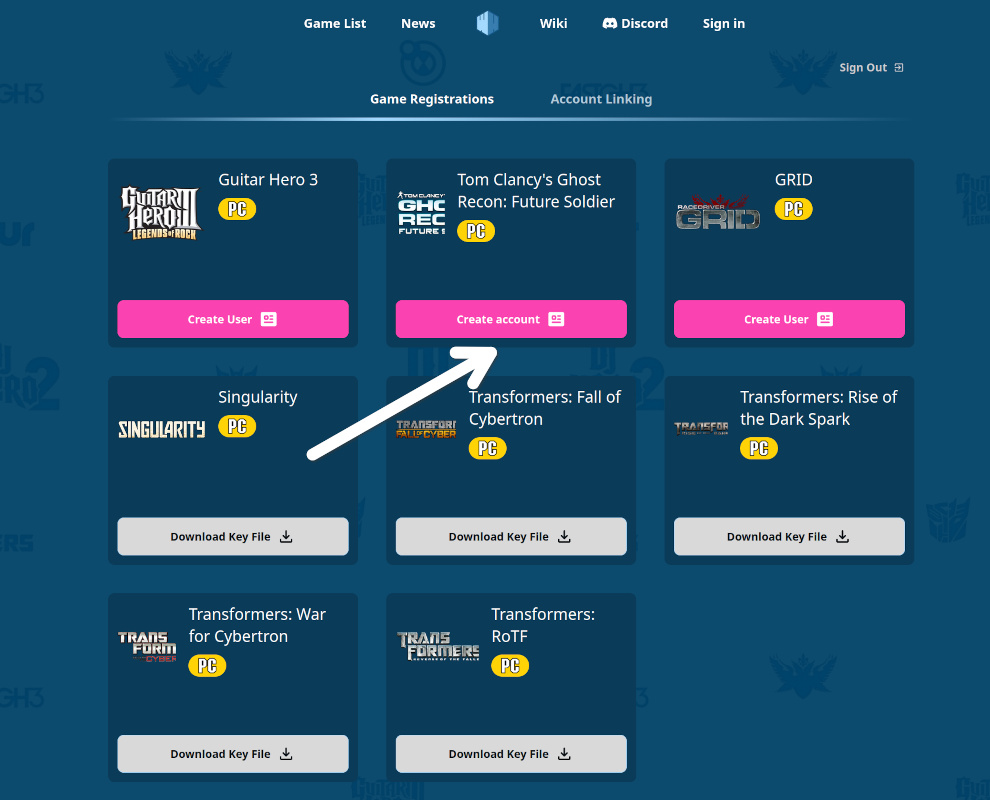
After logging in, open your profile.
You will see an option to create an in-game account for Tom Clancy's Ghost Recon Future Soldier.
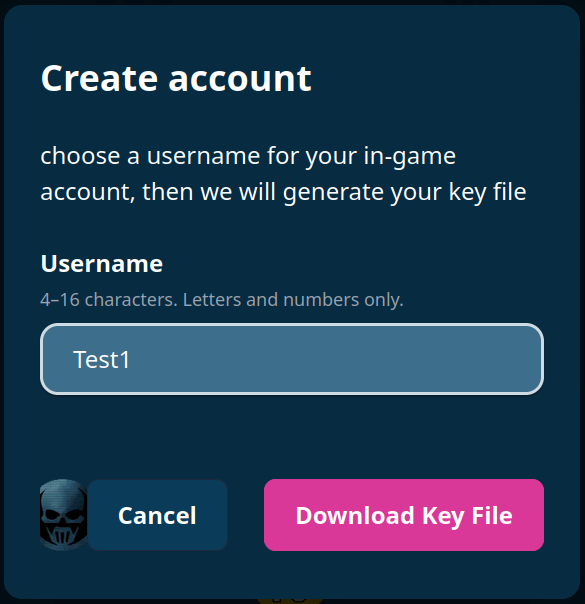
A window will appear where you can choose your username.
As of now name can't be changed, so, be careful with it!
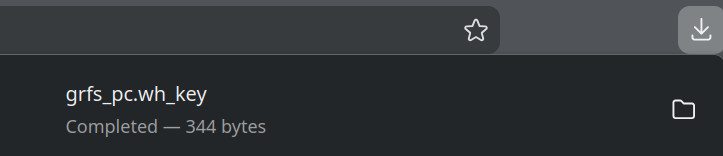
Click “Download Key File”.
- This will create your in-game account
- A file named
grfs_pc.wh_keywill be downloaded
⚠️ Important: This file is unique. Do not share it with anyone.
Placing key into the game folder
Move the downloaded grfs_pc.wh_key file into your game directory.
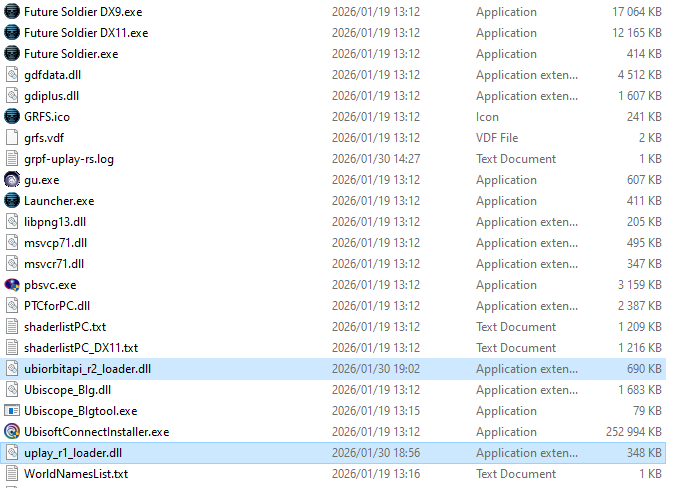
It should be in the same folder as Future Soldier.exe
Installing client files
To ease the installation and keeping the client Installing client files
Option 1: WH Launcher
A lightweight automatic updater for client files. (Currently in beta)
Instructions:
1. Download and install the launcher.
2. Open the launcher.
3. Click “Find” to locate your game directory.
4. Click “Install” to download and apply the client files.
Option 2: Manual installation
Download the required files from:
https://wh-launcher.fra1.cdn.digitaloceanspaces.com/titles/tom_clancys_ghost_recon_future_soldier/updates/latest/client_files.zip
Extract the archive. Inside, you will find:
uplayr1loader.dllubiorbitapir2loader.dll
Copy these files into your game folder, replacing the existing files.
Launch game
Launch game.
If everything is set up correctly, you will see news displayed on the right side of the screen in the main menu.