Need For Speed: Carbon (PS3)
How to play Need For Speed: Carbon online on PS3 in 2026
Need For Speed: Carbon (PS3) Guide v1.0
RPCS
In game configuration set IP/Host Switches to
nfs-ps3.fesl.ea.com==194.87.202.247
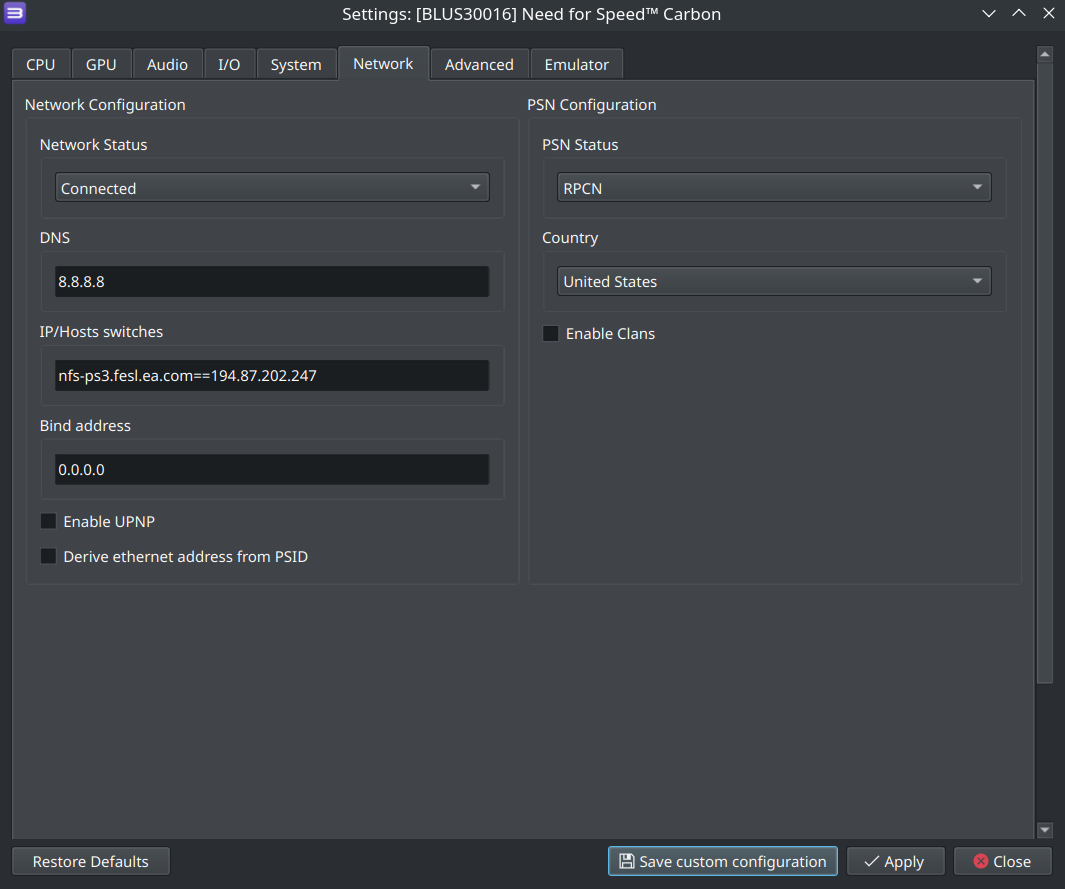
For PS3
For PS3 you'll need to properly setup DNS servers. If you know how to do it, here are required addresses:
dns server 1: 146.190.205.197
dns server 2: 1.1.1.1
After this you can go and play the game!
If you don't know - just follow this over-the-top step-by-step guide.
1. Go into Network Settings in Settings
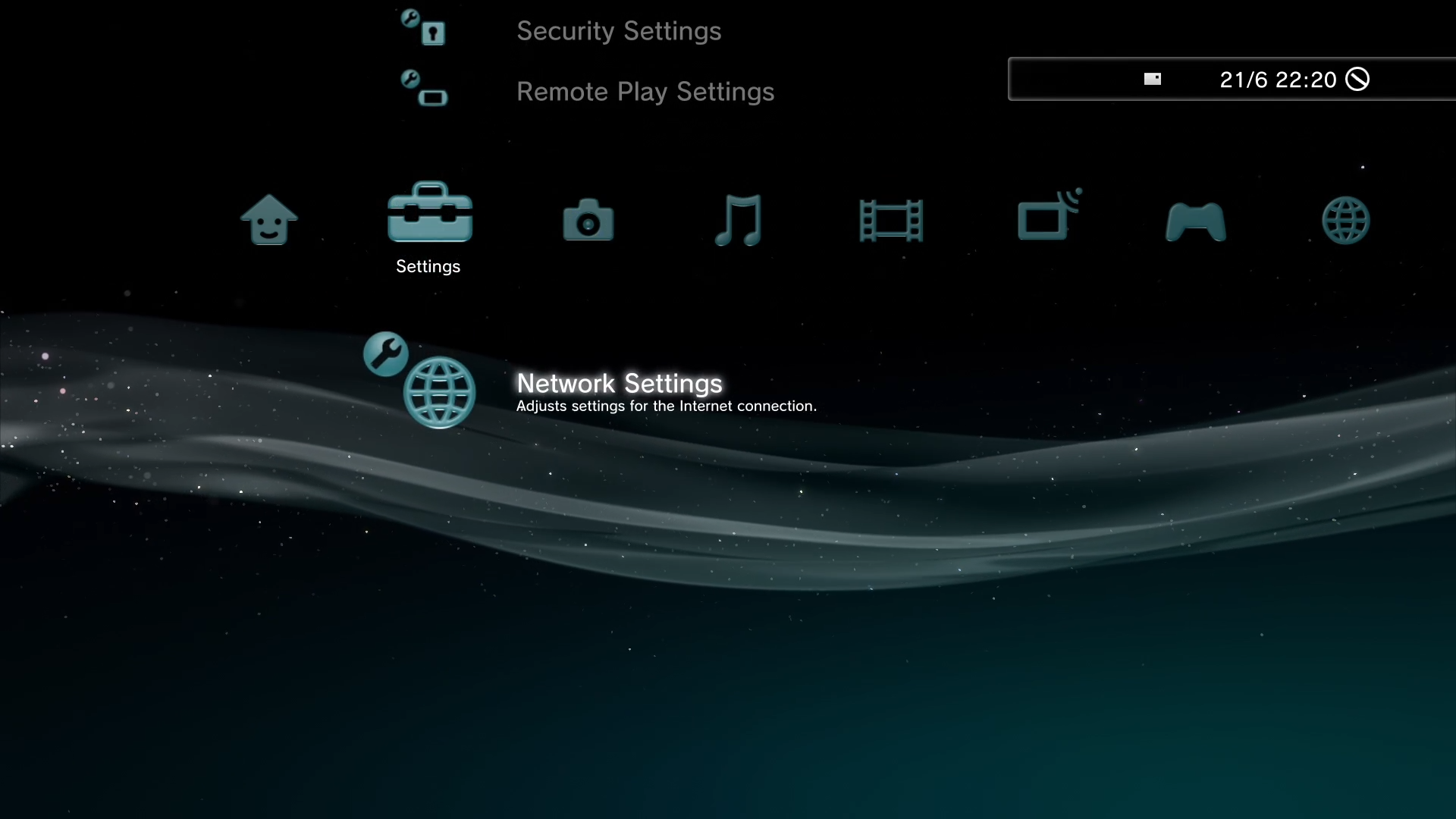
2. Select Internet Connection Settings and agree with prompt.
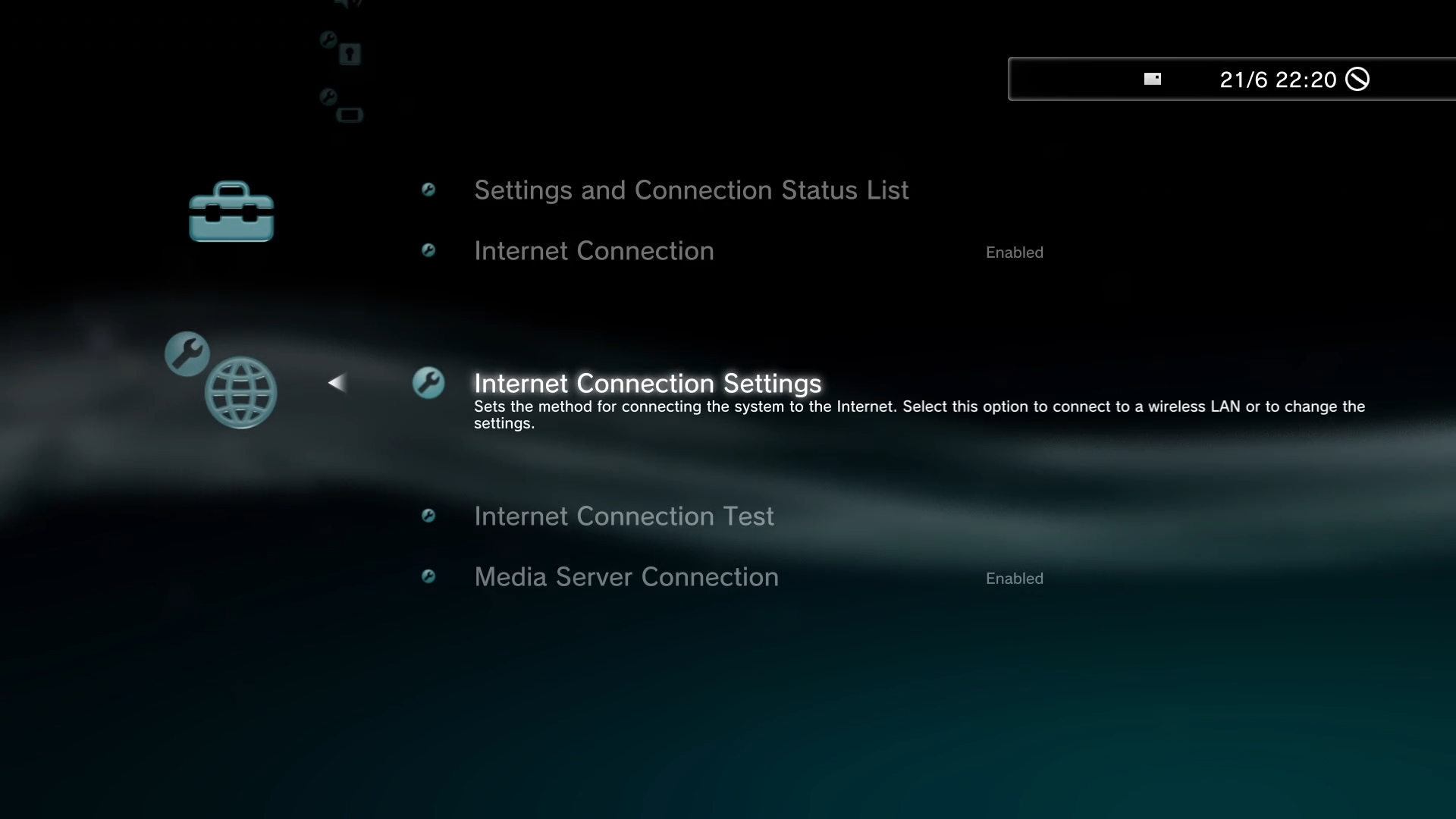
3. Select fist option in any list, until you get to DNS Settings, then select Manual
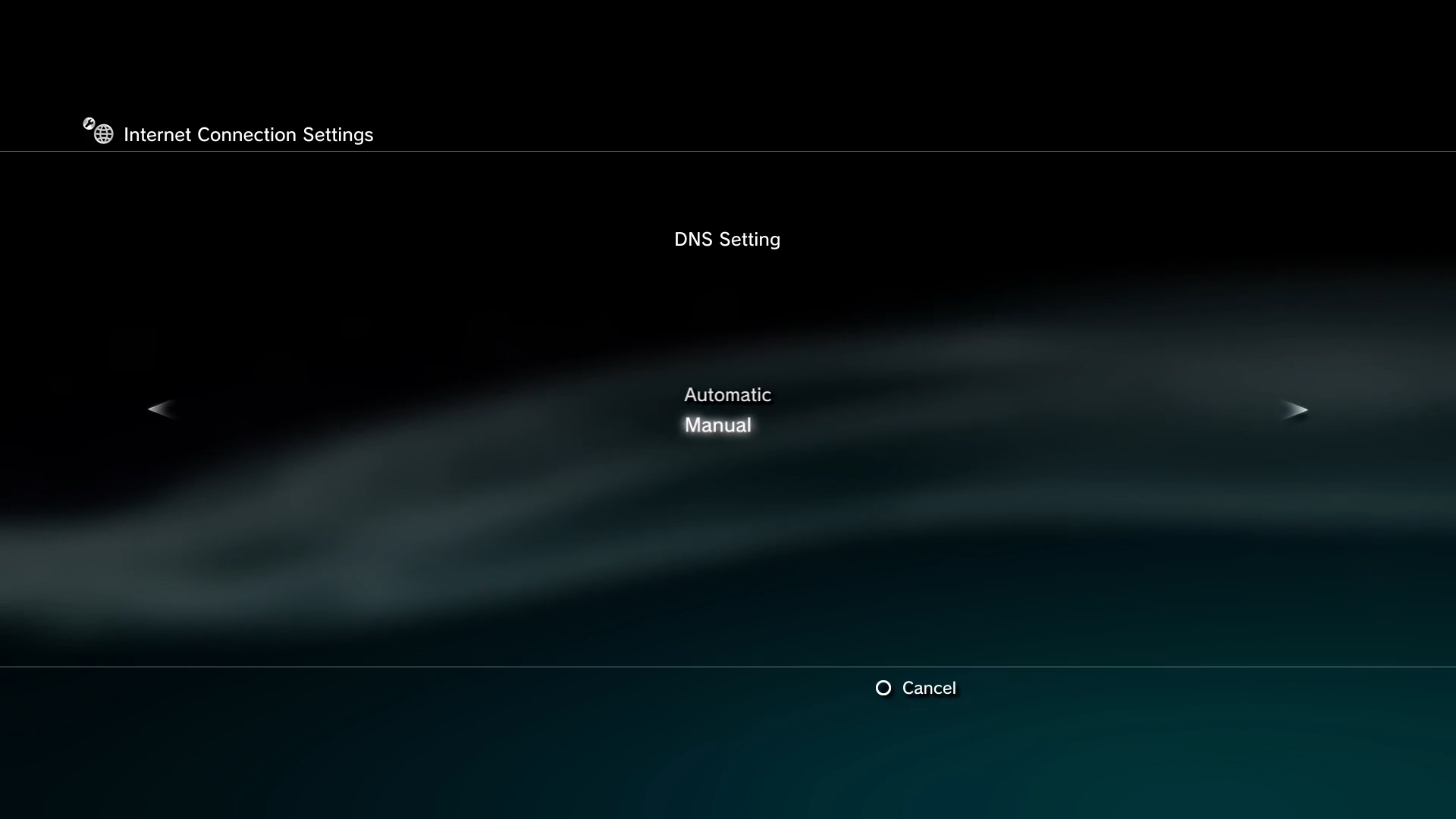
4. Enter the following servers:
dns server 1: 146.190.205.197
dns server 2: 1.1.1.1
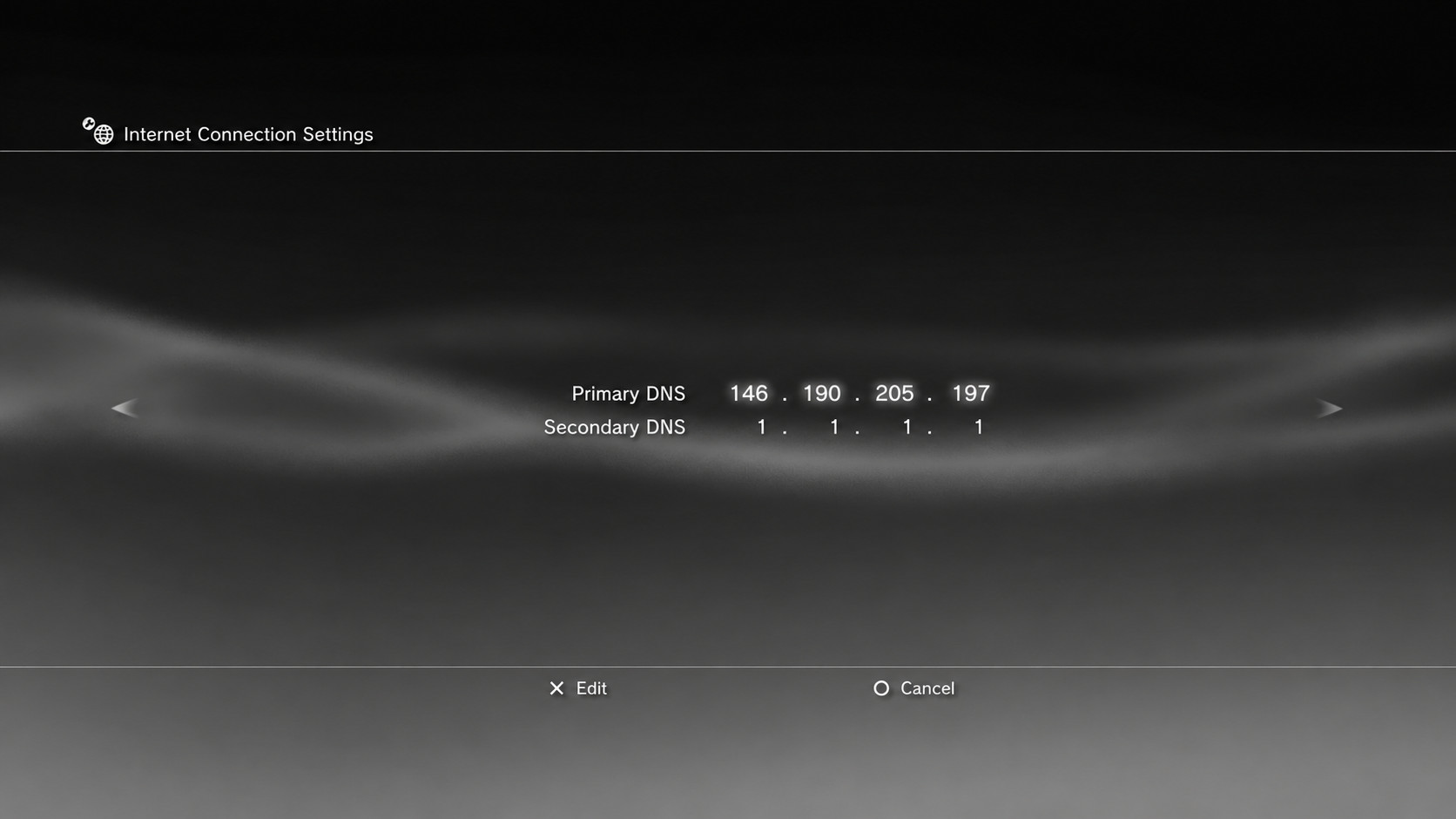
5. Get to the end of this setup process and let PS3 test everything. Congrats, you're done, and can play now!